
Translation URLs (PRO)
This feature allows you to manage plugin activation across translated pages by ignoring language-specific parts of the URL.

Where to Find
You can access the Translation URLs settings under Custom URLs.
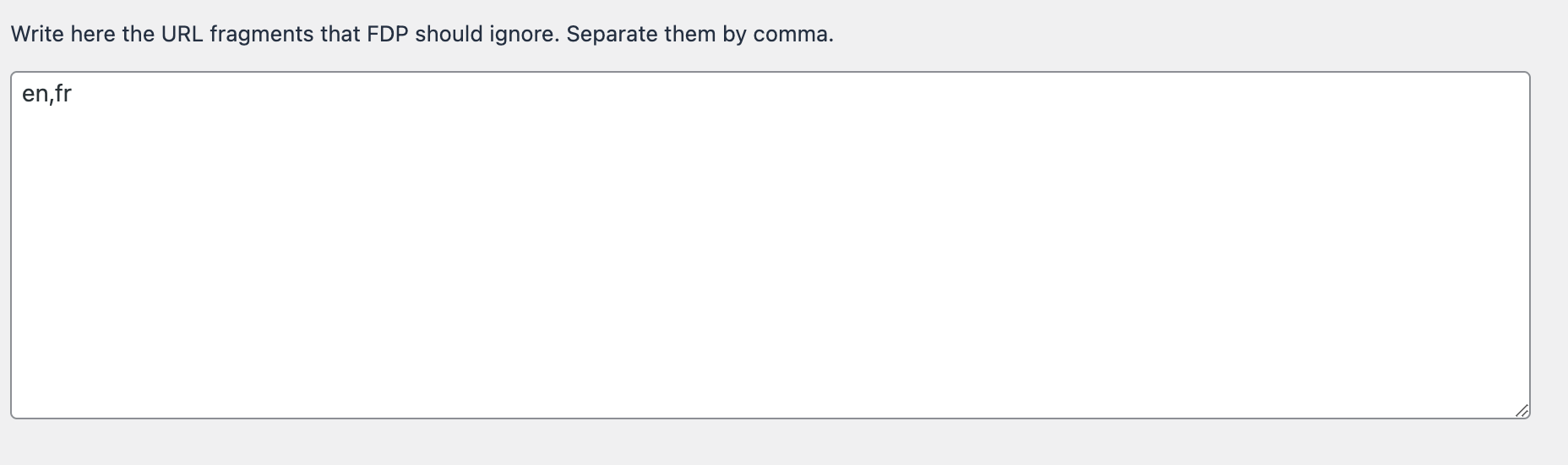
How It Works
- Enter language codes in the textarea, separated by commas (e.g.,
en, fr). - FDP will then treat URLs like
https://yoursite.com/sample-page,https://yoursite.com/en/sample-page/, andhttps://yoursite.com/fr/sample-page/as the same URL. - The same plugin deactivation rules will be applied to all those pages.
This ensures compatibility with any translation plugin while maintaining your plugin control settings.
⚠️ Warning
- Be careful to enter only valid language codes used by your translation plugin.
- Incorrect entries may result in inconsistent plugin activation across translated pages.
✅ Mini Checklist
- ☐ Identify the languages used on your site
- ☐ Enter the correct language codes in the Translation URLs textarea
- ☐ Verify plugin deactivation works consistently across all translations
Real-World Examples
- If you deactivate a gallery plugin on a page, it will also be deactivated on its English and French translations automatically.
- Any caching or performance plugins will behave consistently across translated versions of the same page.
- Forms or contact plugins will remain active or inactive consistently across multiple languages.