
Source Checker (PRO)
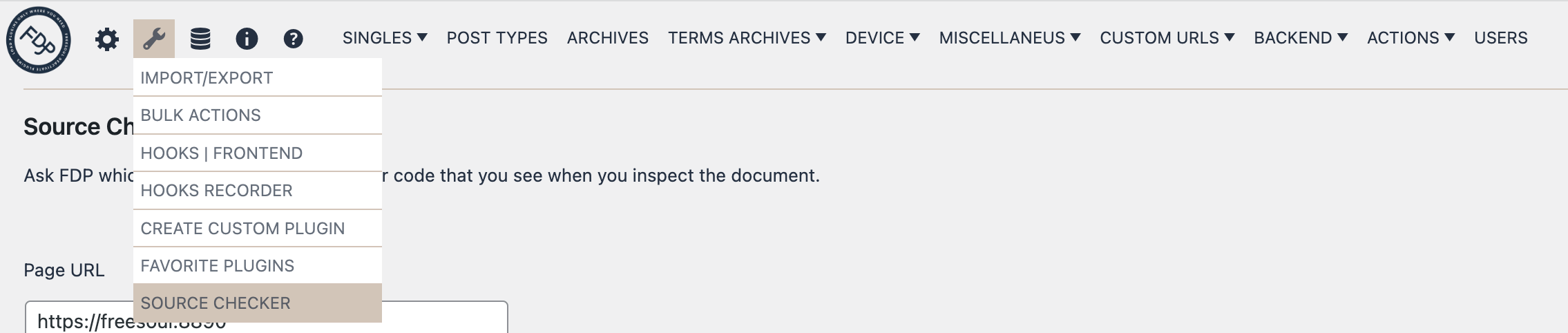
When inspecting your WordPress website’s source code, you may encounter scripts, styles, or content of unknown origin. Identifying whether these elements come from a specific plugin, your theme, WordPress core, or the database can be difficult. The Source Checker in Freesoul Deactivate Plugins PRO is designed to help you quickly pinpoint the exact source of any code snippet.
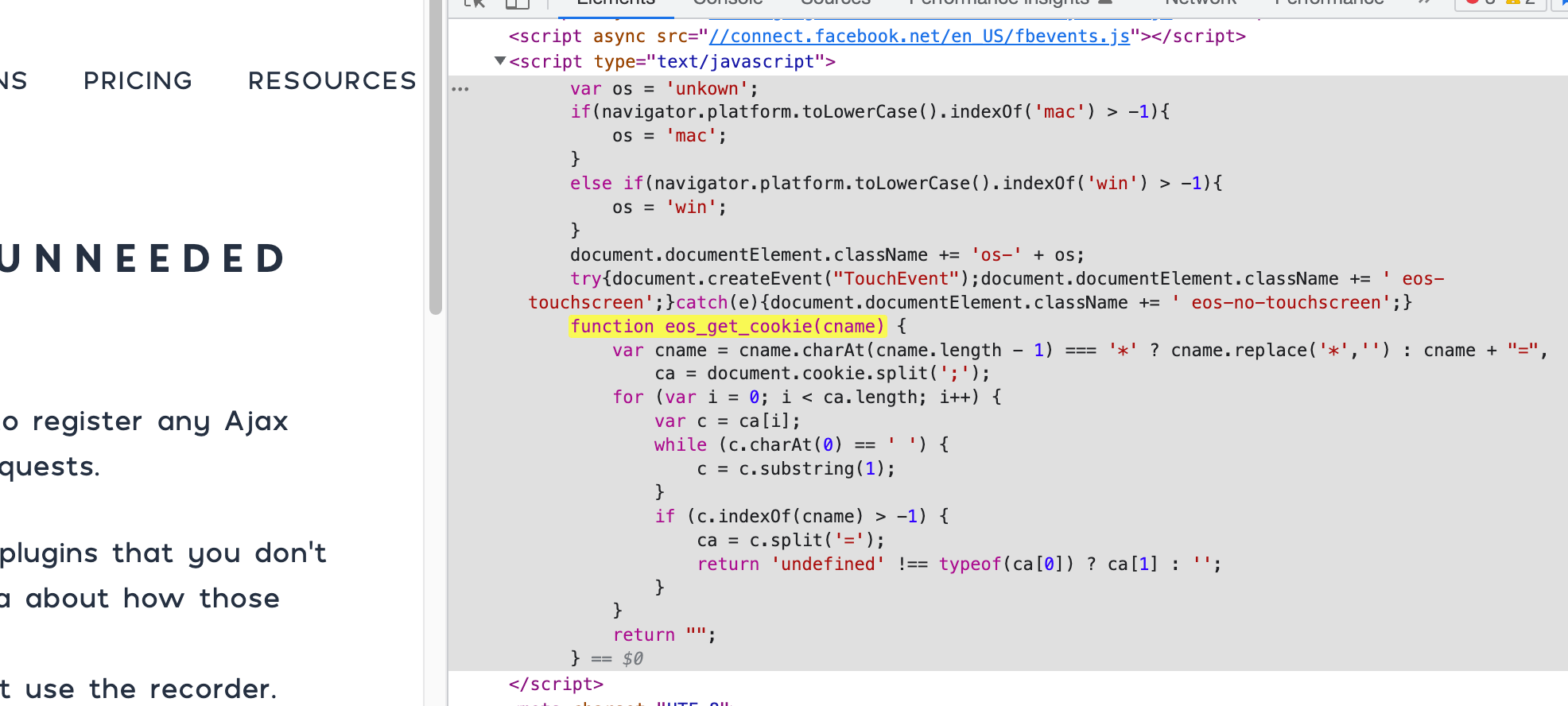
For example, suppose you use your browser’s Developer Tools (Right-click => Inspect) and find a block of JavaScript code, but you aren’t sure which component added it to the page.
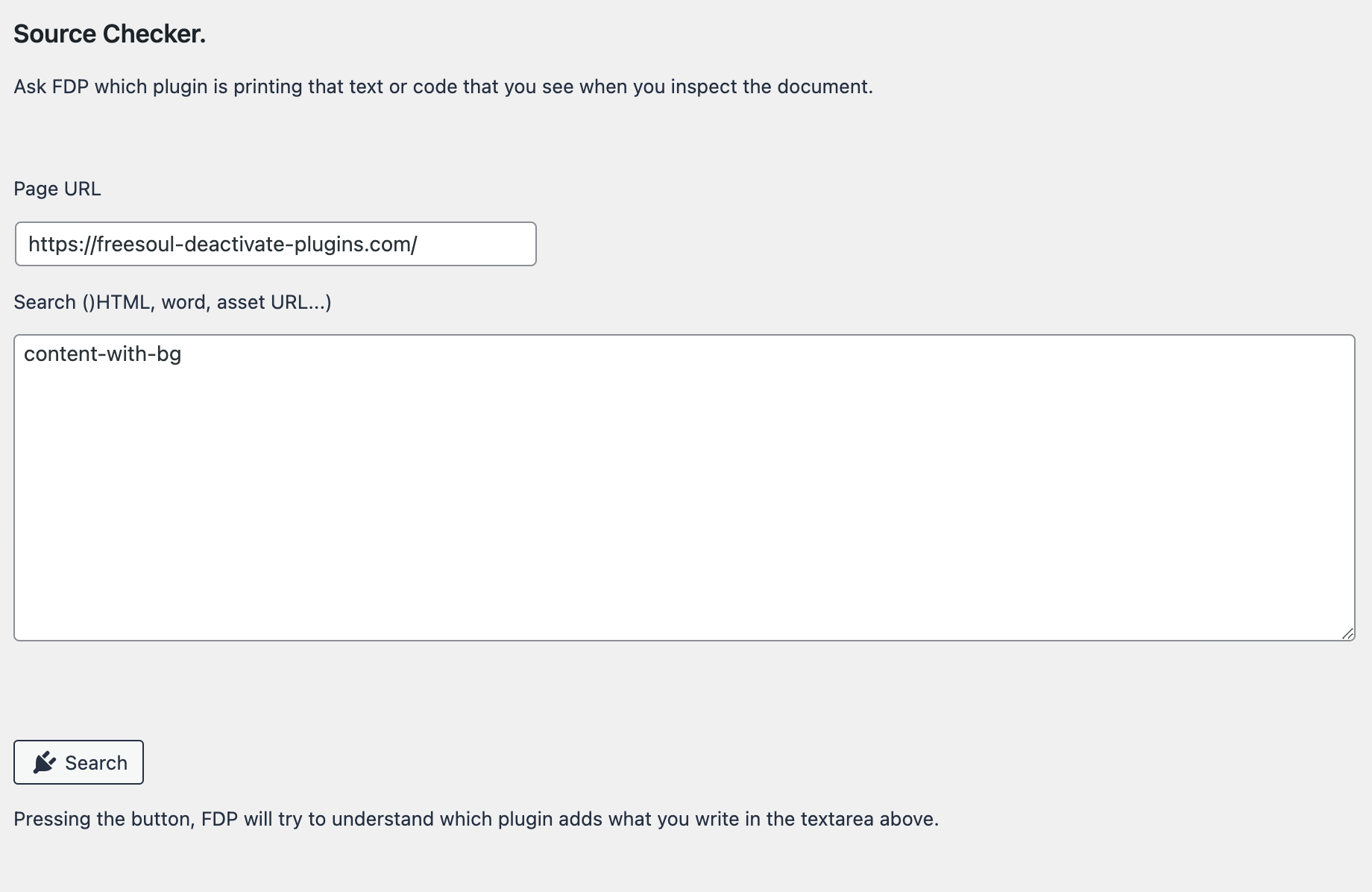
In this scenario, you can use the Source Checker to search for that specific string of code. Follow these steps:
- Go to the Tools icon => Source Checker.
- Enter a unique fragment of the code you want to find (for example: var cookieLinks = document.getElementsByClassName).
- Click Search.
- Wait a few seconds for the tool to scan and display the results.
Watch the video below to see a live demonstration of how the Source Checker identifies code origins.