
Action Buttons
Action buttons let you quickly disable plugins, preview changes, test performance, and reuse configurations directly from the FDP interface. They are designed to speed up optimization workflows without navigating away from the settings page.
Disable a Plugin on All Single Posts
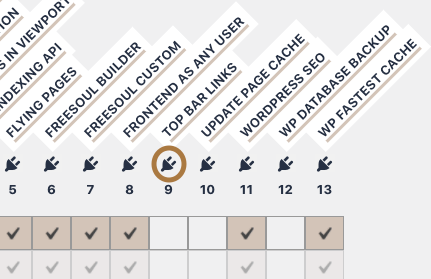
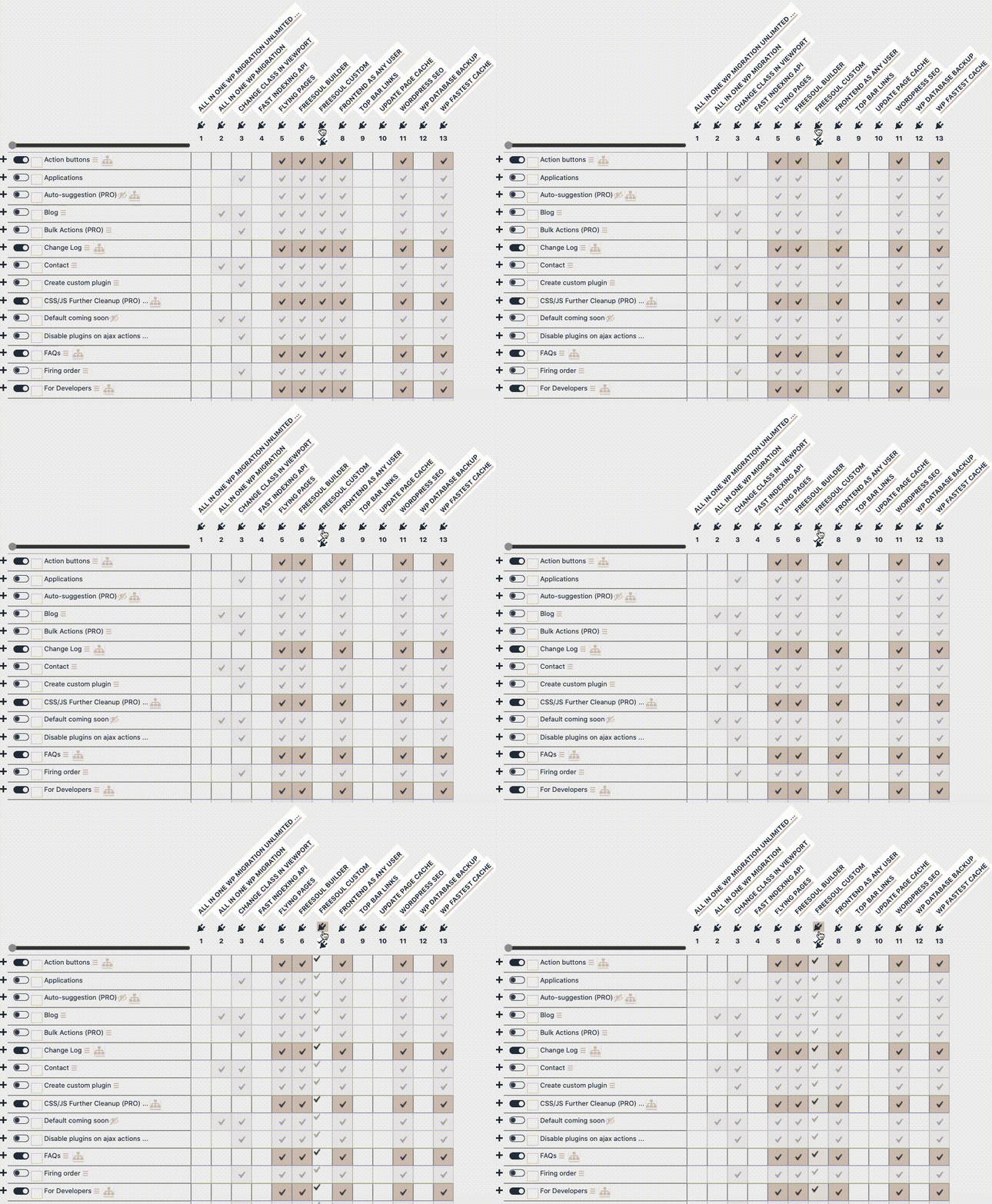
Click the plugin icon to disable that specific plugin on all single posts at once.
This is useful when a plugin is never needed on individual post pages.
Disable All Plugins on a Single Post
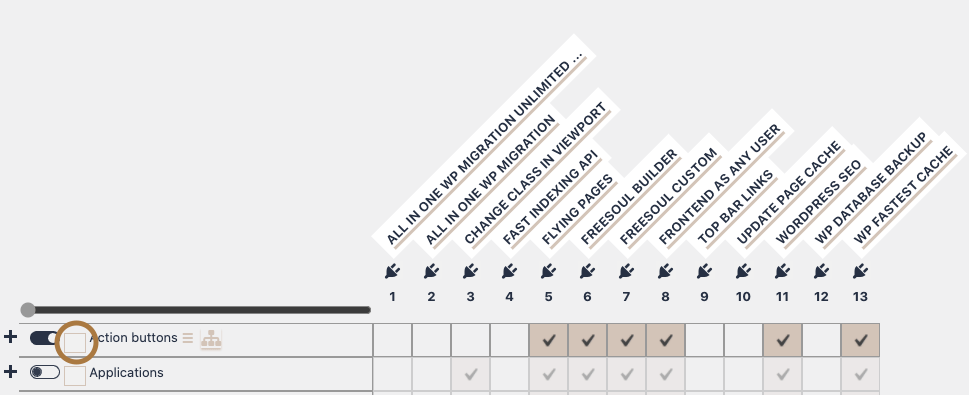
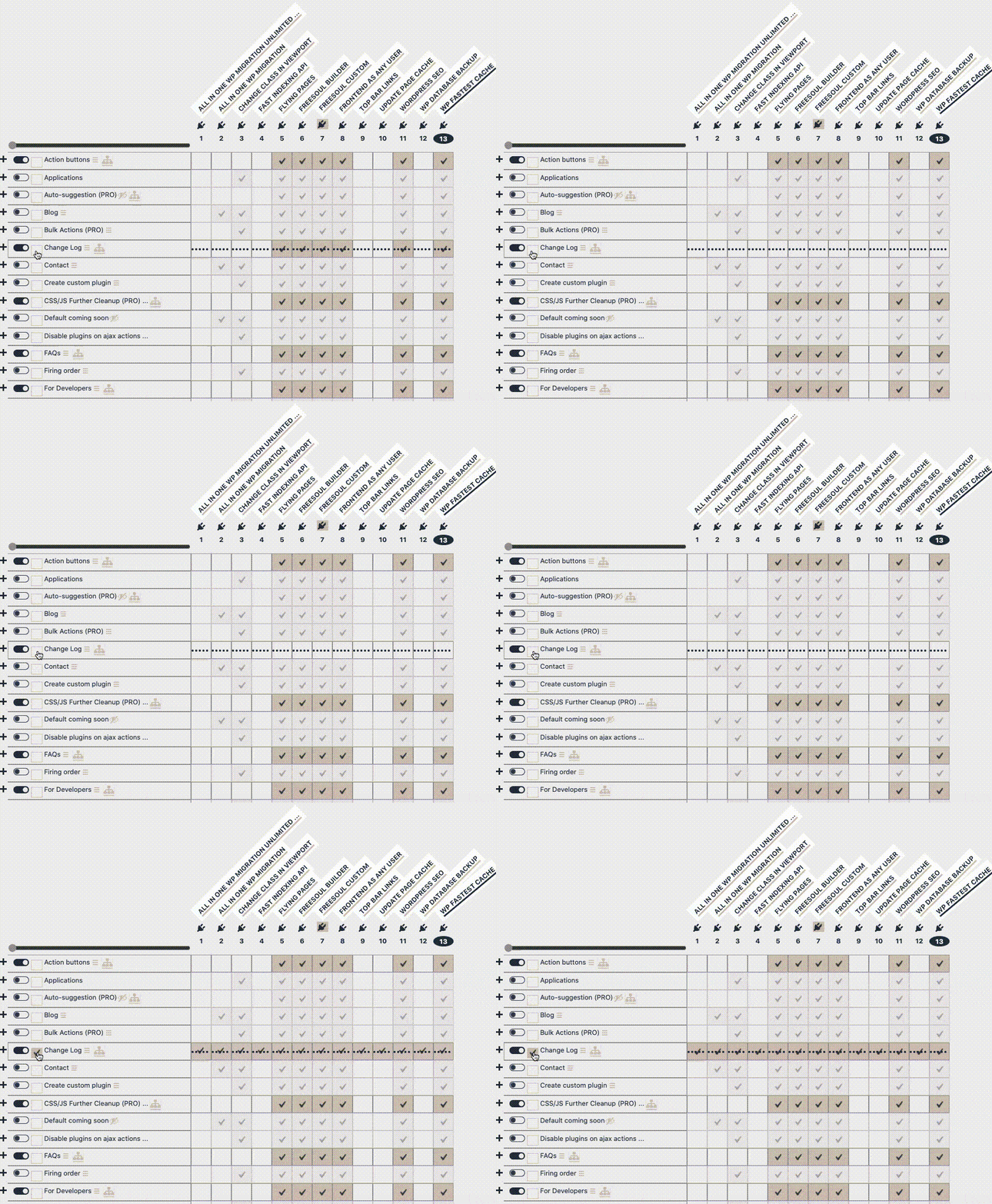
Click the checkbox on the row to disable all plugins for that specific post.
⚠️ Warning
- Disabling all plugins may break layouts, forms, or dynamic content.
- Always test the post after applying this action.
Check Where You Can Disable a Specific Plugin (PRO)
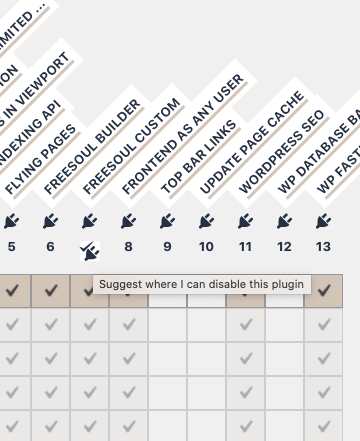
Hover over a plugin name to see a button that suggests the posts where that plugin can be disabled.
This feature is available only in the PRO version.
Action Buttons on Rows

Hover over a post name to reveal the action buttons.
These tools allow you to preview, test, copy, and optimize plugin configurations efficiently.
Use the table below to explore the specific capabilities and troubleshooting tools available in each version.
| ID | Button | Description | Free version | PRO version |
| 1 |  |
Edit a single post. | Yes | Yes |
| 2 |  |
View a single post with plugins disabled according to saved settings. | Yes | Yes |
| 3 |  |
Verify which plugins are actually disabled based on saved settings. | Yes | Yes |
| 4 |  |
Preview the page using a different theme (preview only). | Yes | Yes |
| 5 |  |
Preview the page with specific plugins disabled. | Yes | Yes |
| 6 |  |
Preview the page with disabled plugins and view called PHP files. | Yes | Yes |
| 7 |  |
Preview the page with disabled plugins and JavaScript execution turned off. | Yes | Yes |
| 8 |  |
Test performance via Google PageSpeed Insights using the current plugin configuration. | Yes | Yes |
| 9 |  |
Invert the selection of enabled/disabled plugins. | Yes | Yes |
| 10 |  |
Copy settings from this row. | Yes | Yes |
| 11 |  |
Paste settings to this row. | Yes | Yes |
| 12 |  |
Paste settings from the global post type configuration. | Yes | |
| 13 |  |
Identify and suggest which plugins are used for this single post. | Yes | |
| 14 |  |
Identify used plugins for this post and batch-process the following posts. | Yes | |
| 15 |  |
Display active hooks with the current plugin configuration. | Yes | |
| 16 |  |
Unload specific stylesheets. | Yes | |
| 17 |  |
Unload specific scripts. | Yes | |
| 18 |  |
Test the post with GTmetrix and include the results in the report. | Yes | |
| 19 |  |
Test the post with Google PSI (Mobile) and include results in the report. | Yes | |
| 20 |  |
Test the post with Google PSI (Desktop) and include results in the report. | Yes |
✅ Mini Checklist
- ☐ Preview the page before saving changes
- ☐ Test performance after disabling plugins
- ☐ Copy and reuse settings for similar posts
- ☐ Use suggestion tools to speed up the optimization workflow
Best Practices
- Use preview buttons before applying changes permanently.
- Combine plugin disabling with script/style unloading for best results.
- Document changes using reports (PRO) for future reference.