
General Bloat (PRO)
The General Bloat section allows you to disable many WordPress core features that are enabled by default but are often unnecessary for typical websites.
Reducing this bloat improves:
- Frontend performance
- Backend responsiveness
- Security surface area
This feature is available only for PRO users.
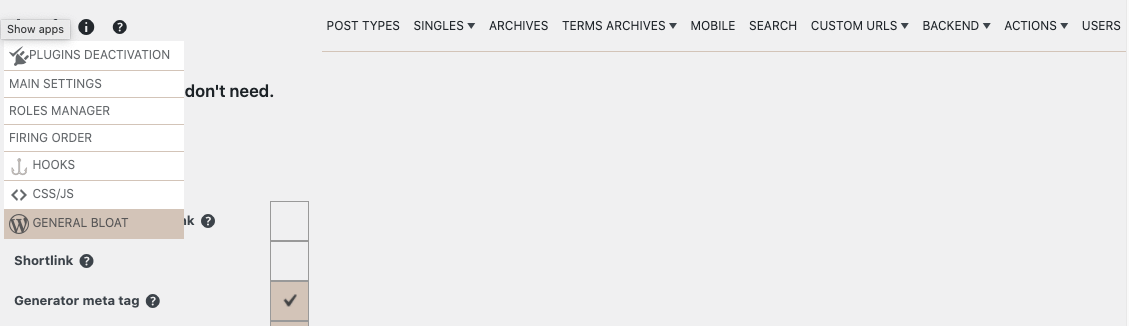
You can find this section under:
Freesoul Deactivate Plugins → Settings → Core Bloat
What You Can Disable
In this panel, you can selectively disable the following WordPress features:

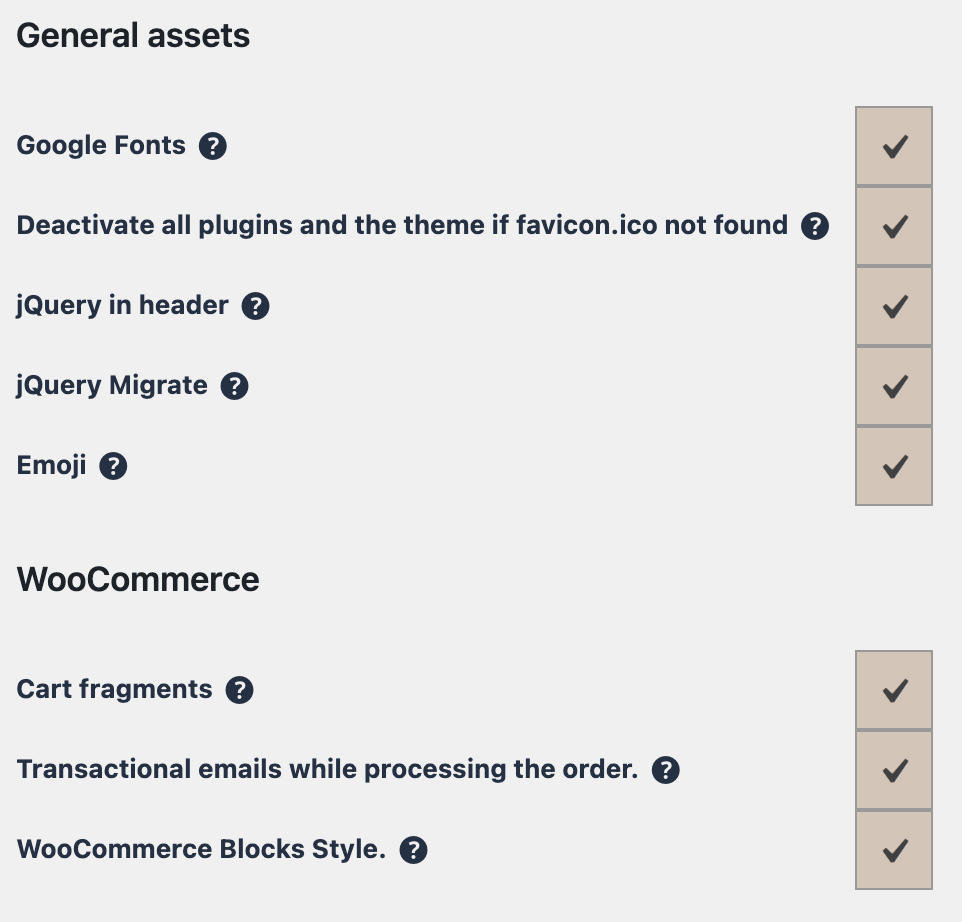
- Really Simple Discovery (RSD) link
- Shortlink
- Generator meta tag
- Windows Live Writer link
- REST API link tag in page header
- REST API link header
- s.w.org DNS prefetch
- XML-RPC
- REST API for non-logged users
- Heartbeat API
- Transient
dirsize_cache - Post revisions
- Comment spam handling
- Gutenberg editor
- Global styles
- WP-Cron
- Autosave
- Google Fonts loading
- jQuery in header (moves it to footer where possible)
- jQuery Migrate
- Emoji support
- WooCommerce cart fragments
- WooCommerce transactional emails during order processing
- WooCommerce blocks styles
Uncheck only the features that you don’t need on your website.
Why Disabling Core Bloat Helps
Many WordPress features are designed to support edge cases or legacy tools. On modern websites, these features often:
- Add extra HTTP requests
- Increase CPU usage
- Expose unnecessary attack vectors
Disabling them reduces overhead and makes your site leaner.
Real-World Examples
- Static or content-focused site
Disable REST API for non-logged users, emojis, shortlinks, and RSD links. - High-traffic WooCommerce store
Disable cart fragments on pages without a cart and WooCommerce block styles to reduce AJAX calls and HTTP requests.. - Performance-optimized blog
Disable Heartbeat, revisions, autosave, Google Fonts, and jQuery Migrate. - Security-focused site
Disable XML-RPC and hide generator meta tags.
⚠️ Important Warnings
- Disabling REST API may break headless features, editors, or plugins
- Disabling WP-Cron requires a real server cron job
- Disabling Gutenberg affects block-based editing
- Always test changes on a staging site first
Best Practices
- Disable features incrementally, not all at once
- Test both frontend and backend after changes
- Re-enable features if plugins depend on them
- Document your bloat-removal strategy
✅ Mini Checklist
- ☐ XML-RPC disabled if not needed
- ☐ REST API reviewed
- ☐ Heartbeat optimized or disabled
- ☐ WooCommerce extras disabled where possible
- ☐ WP-Cron strategy confirmed
In Summary
The General Bloat section allows you to strip WordPress down to what your site truly needs.
Used carefully, it:
- Improves loading times
- Reduces server load
- Makes WordPress more predictable
This is a powerful performance tool in Freesoul Deactivate Plugins PRO.