
Bulk Actions

By navigating to Freesoul Deactivate Plugins => Tools => Bulk Actions, you can simultaneously activate or deactivate plugins across all selected FDP settings with a single click.
This time-saving feature is available exclusively for PRO users.
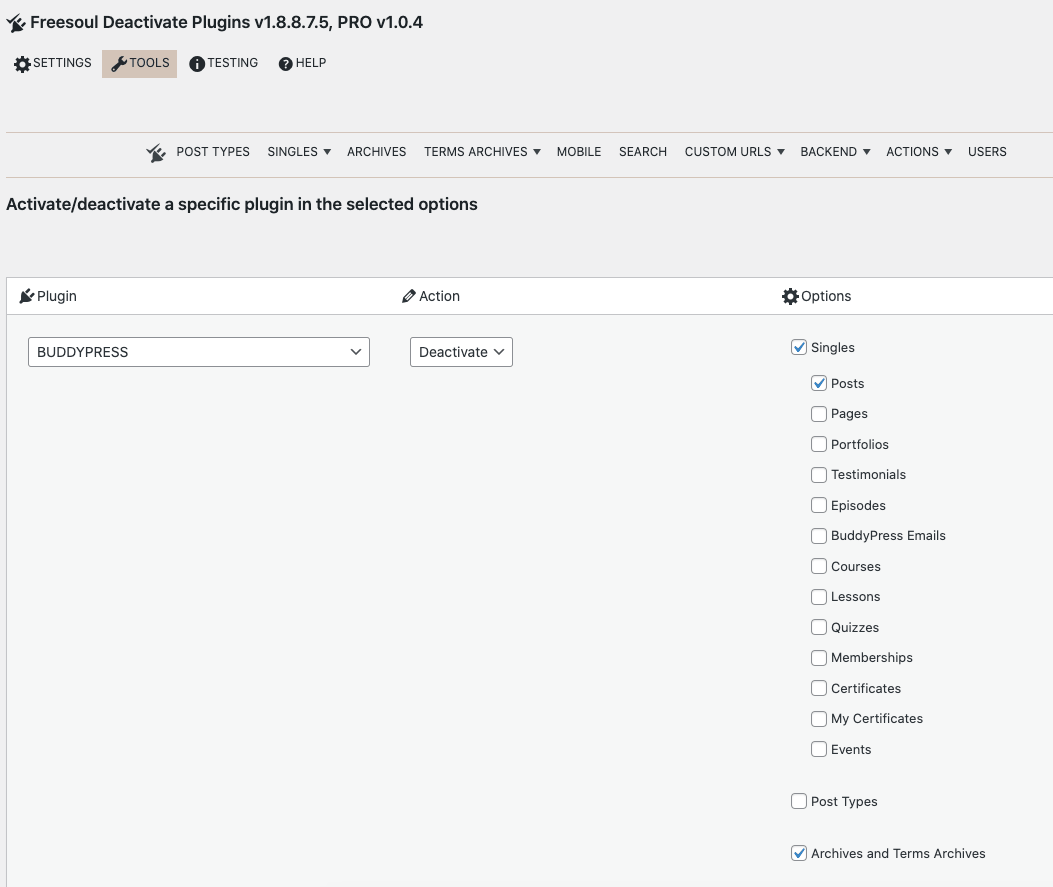
To execute a bulk action:
- Select the specific plugin you wish to modify.
- Choose the desired action: Activate or Deactivate.
- Select the specific settings categories or pages where you want the action to be applied.
- Click “Execute bulk action” to apply the changes.